Target segments
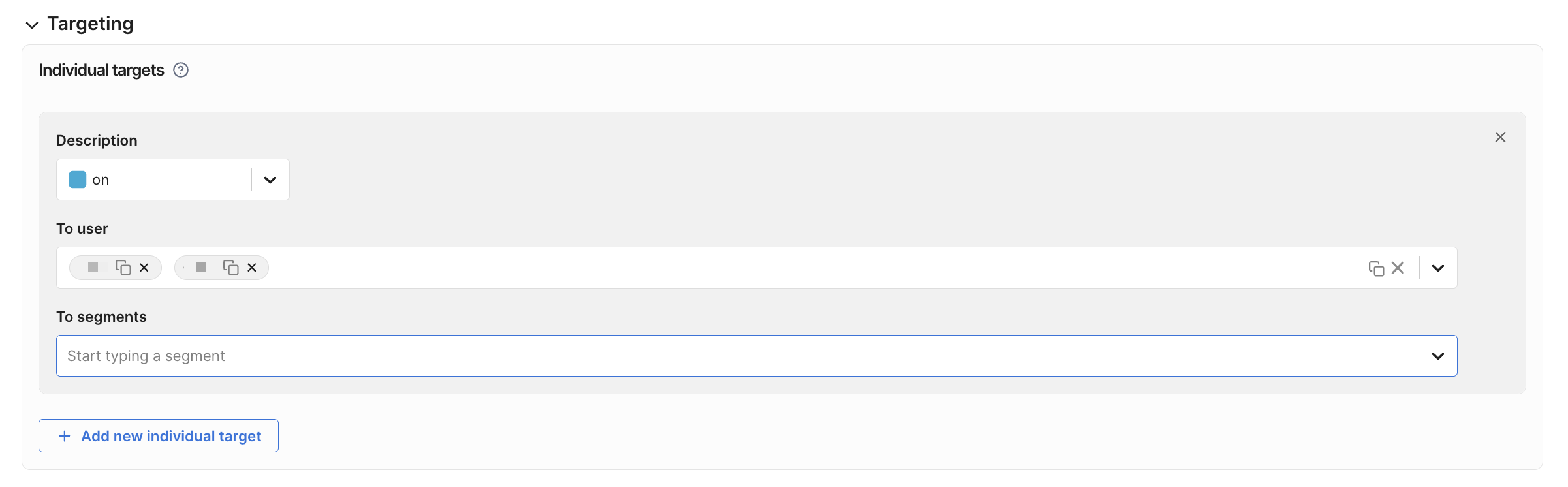
Once you create a feature flag, you can create feature flag targeting rules that target individual user IDs (or user keys), or use segments to target groups of users.
Segments are lists of user IDs. In a feature flag definition, you can assign treatments to one or more segments in your targeting rules. If a segment does not appear in search, it may not be defined in the selected FME environment.
Server-side SDKs do not support Large segments. Evaluations of feature flags targeting Large segments return control.
If you need this capability, contact Harness Support or open a feature request.
Target segments in individual targeting rules
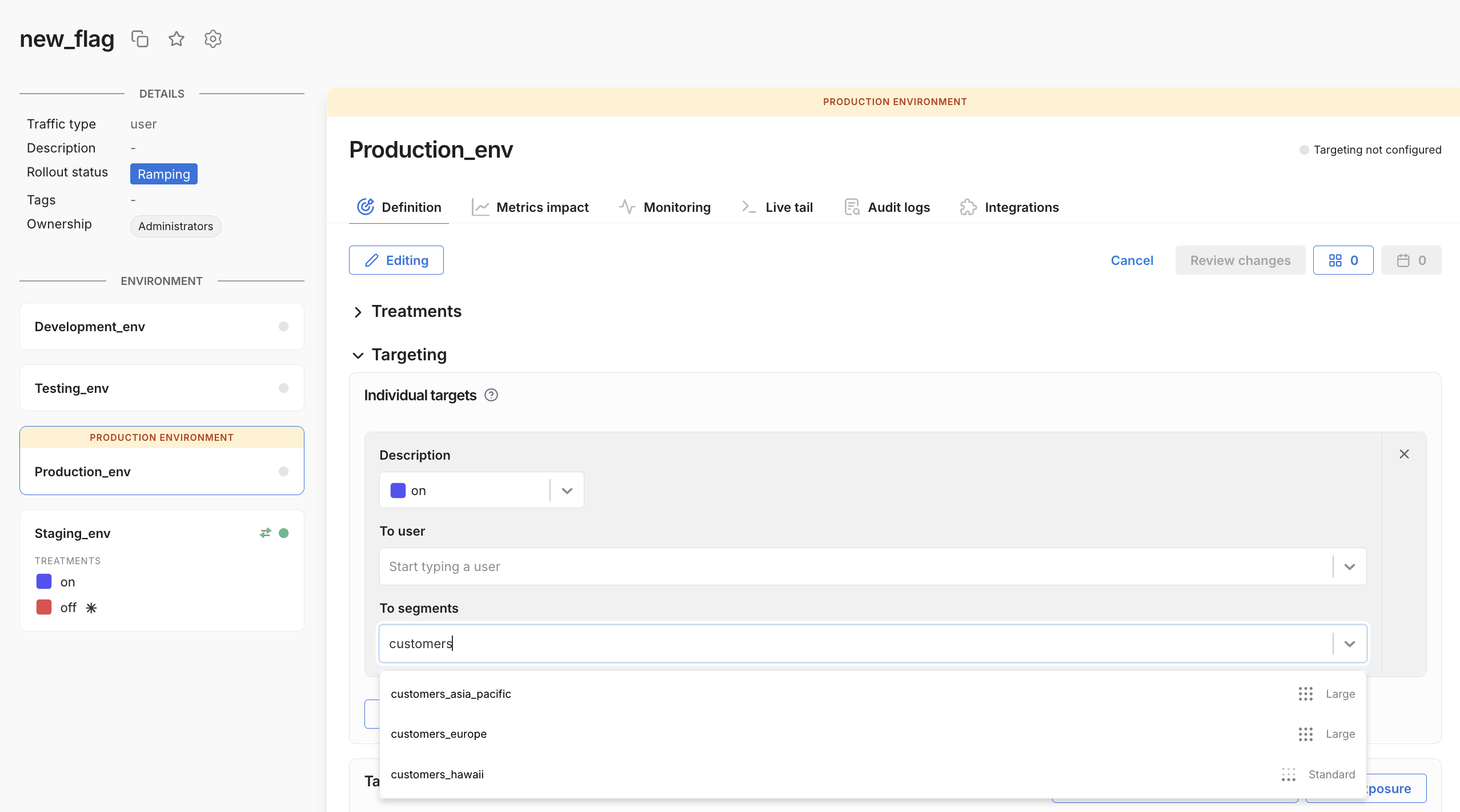
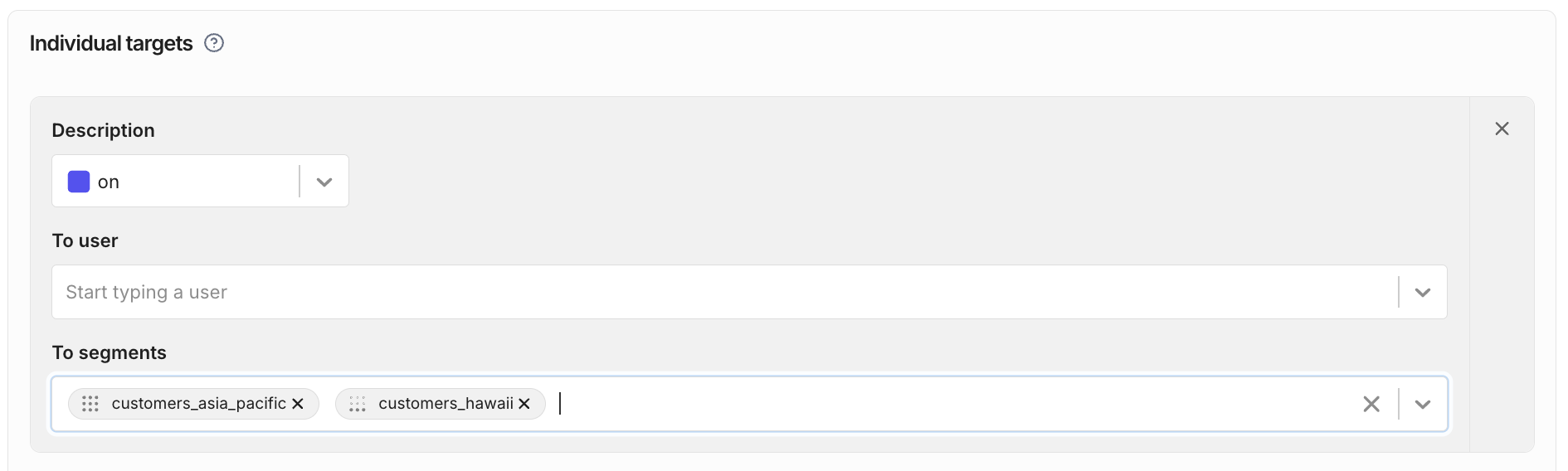
You can target segments in individual targeting rules. These rules assign a treatment to the segment. In the following example, the feature flag will serve on to all user IDs in the given segments.
After you select a segment, you can see the segment type indicated by the input pill icon in the To segments field.
Target segments in attribute-based targeting rules
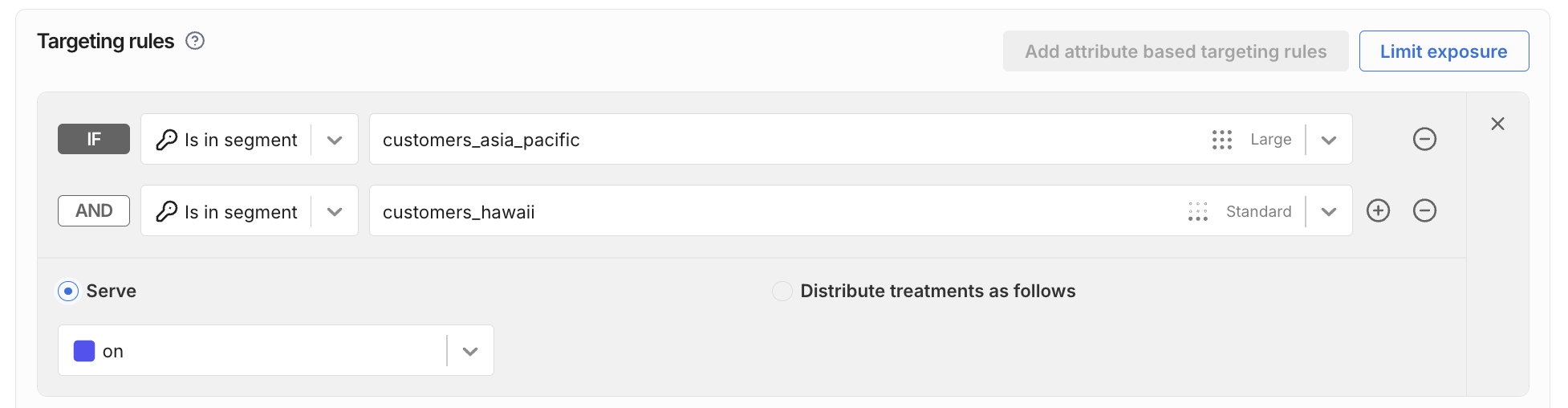
You can also target Standard, Large, and Rule-based segments in attribute based targeting rules. The following example is equivalent to the individual targeting rule shown above.
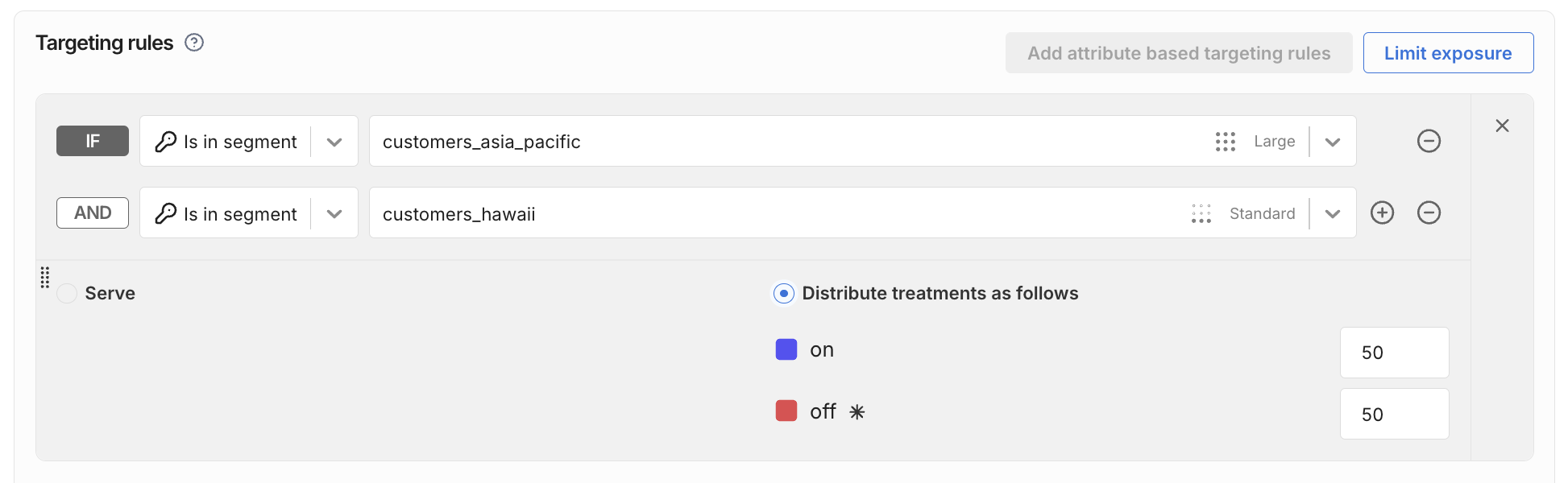
You can also use percentage distribution to randomly distribute treatments among the user IDs in a segment, as shown below.
See Targeting rules for more information on feature flag targeting, percentage distribution, and rules' evaluation order.