Start Feature Management & Experimentation (FME) in Harness
Selecting Start FME Free Plan is a required step for all Harness customers, regardless of whether you intend to use the Free or Enterprise Plan.
To enable Harness Feature Management & Experimentation (FME) in your account:
-
In the Harness navigation menu, select the Grid menu icon.
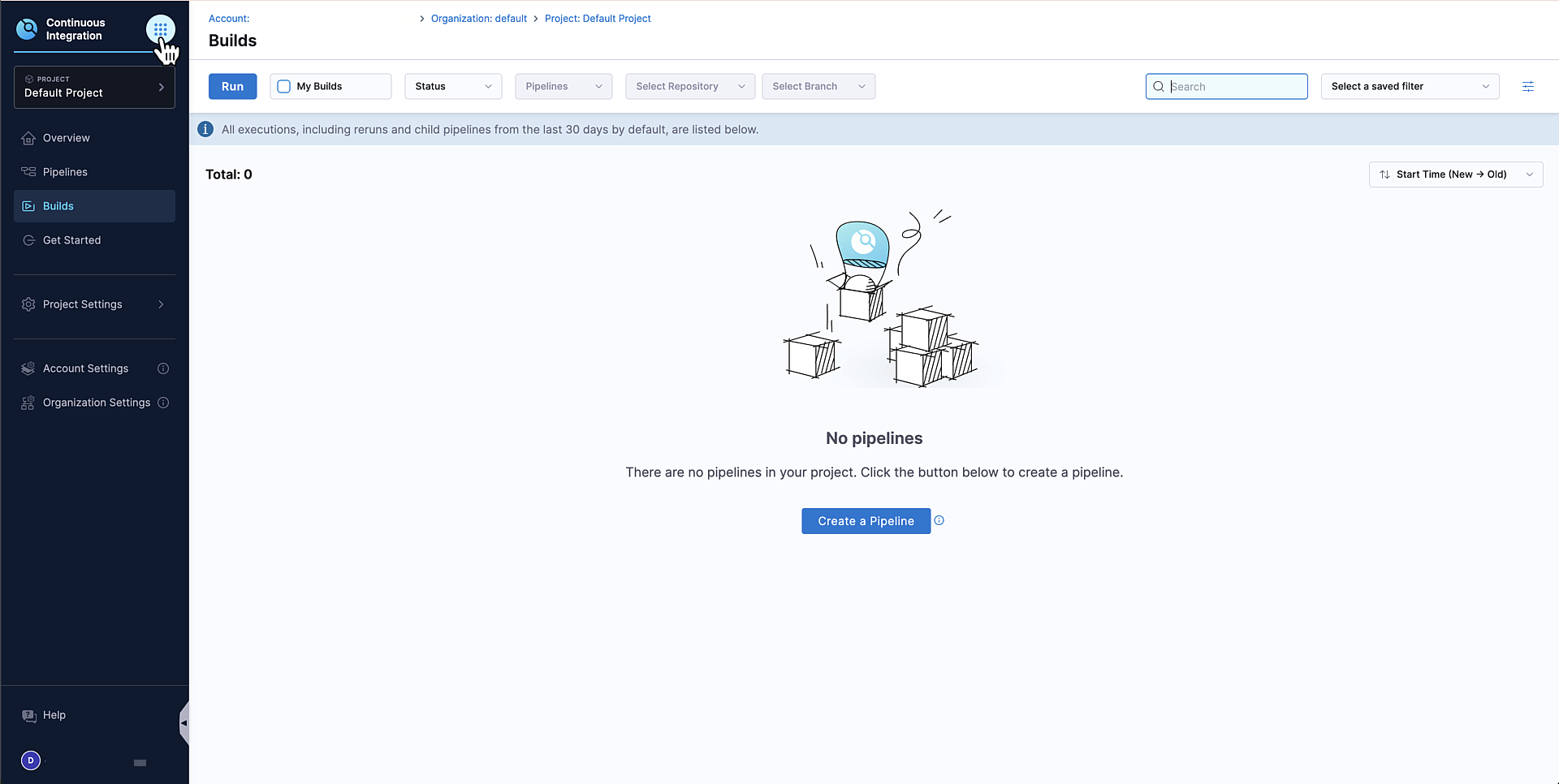
-
In the modal, select Feature Management & Experimentation (FME) under
DevOps Modernization. You are redirected to the Harness FME module landing page.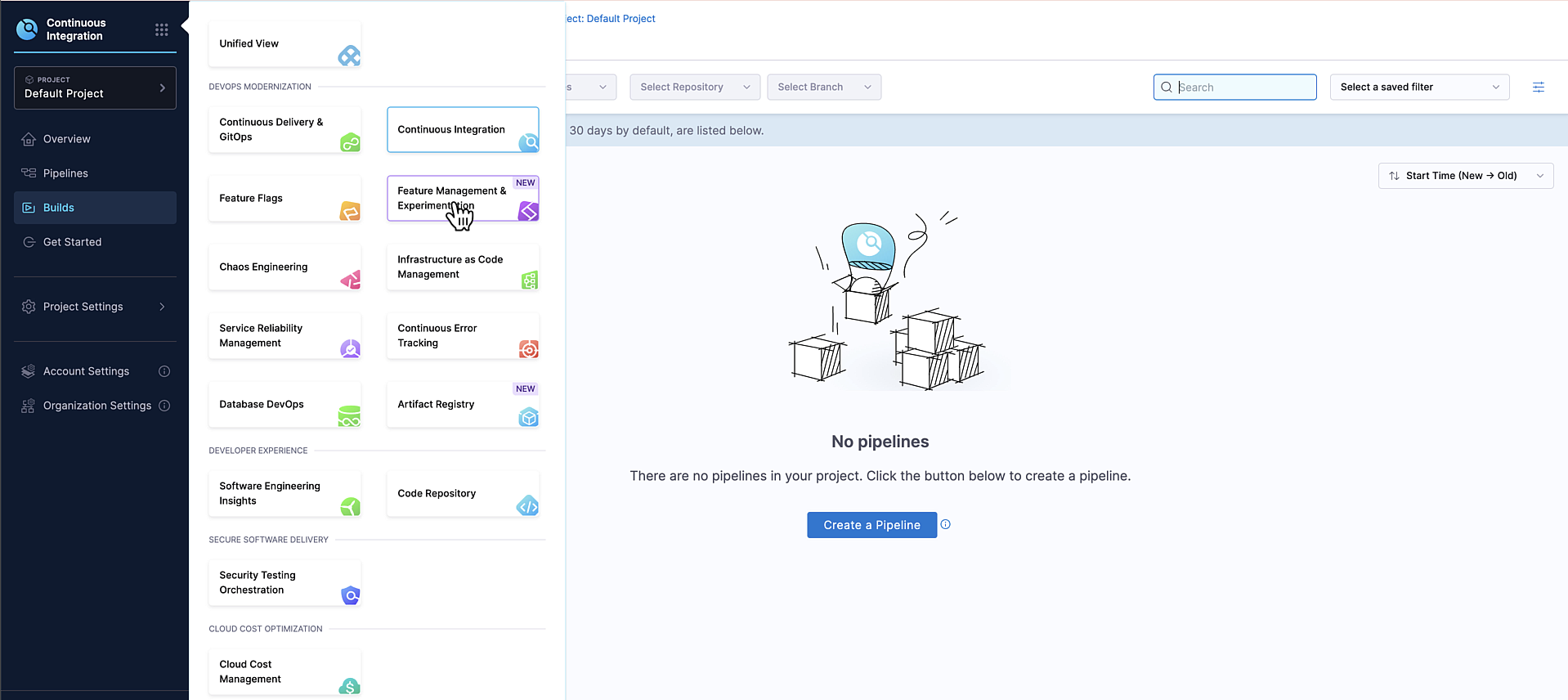
-
Click Start FME Free Plan. After selecting Start FME Free Plan, FME is enabled and ready to use.
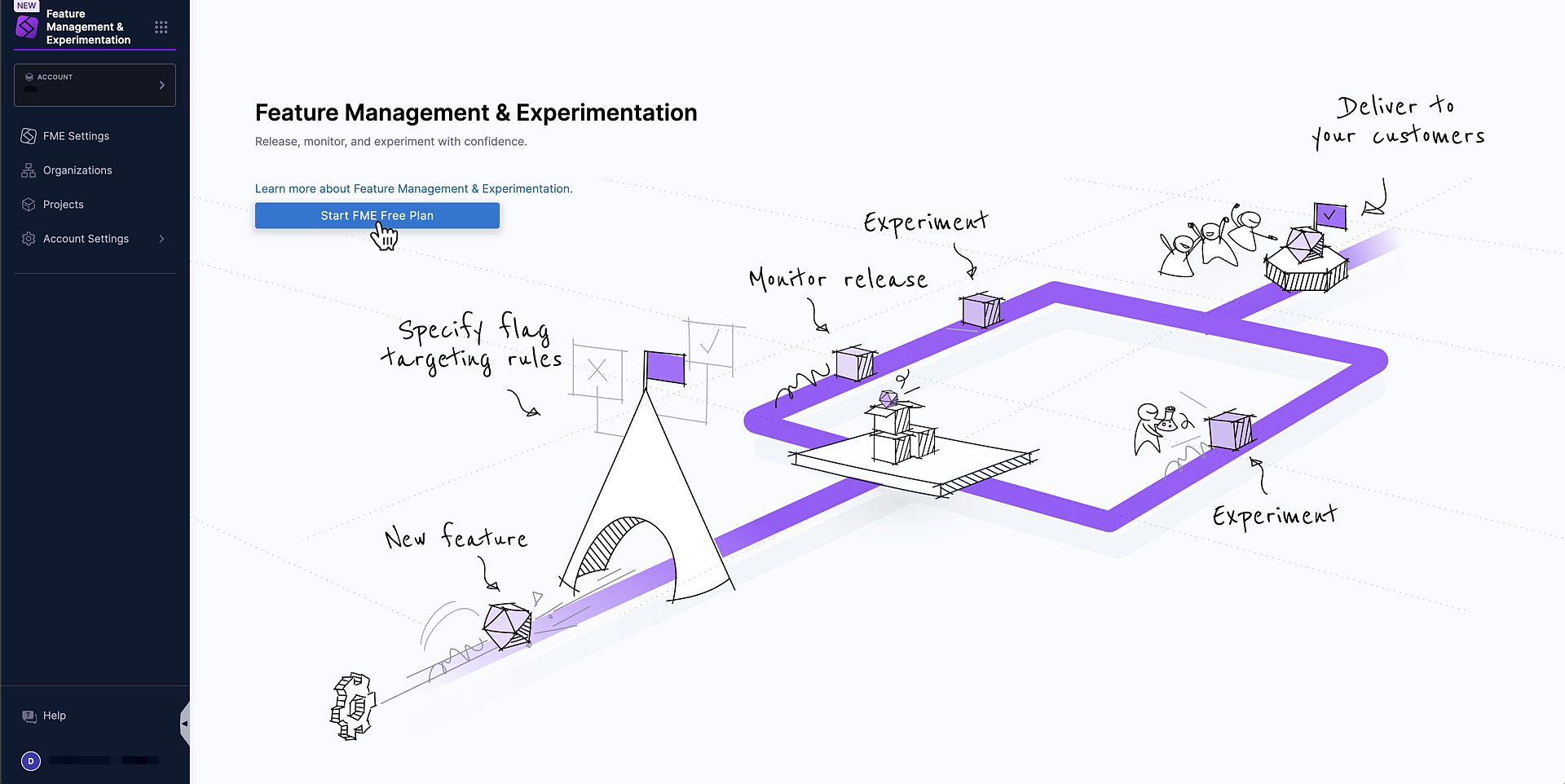 Selecting Start FME Free Plan
Selecting Start FME Free Plan is required step for all Harness customers, regardless of whether you intend to use the Free or Enterprise Plan.
To access additional features and advanced capabilities on the Enterprise Plan, contact your Harness sales representative.
Once Harness FME is enabled, you can create and manage feature flags, configure environments and targeting rules, invite team members and manage access, and start experimenting and monitoring releases.

For an interactive onboarding experience including further use cases and features like feature management, release monitoring, and cloud experimentation, check out the Harness Feature Management & Experimentation self-paced training.